
Have you ever noticed your phone becoming unusually hot while scrolling social media, playing games, or charging? Mobile phone heating problems are very common today—but ignoring them can seriously damage your battery life, performance, and device lifespan.
The good news?
Most heating issues can be solved easily at home without any technical skills. This guide will walk you through simple, practical solutions step by step.

Step 1: Understand the Main Causes of Mobile Phone Heating
Common Reasons Your Phone Overheats
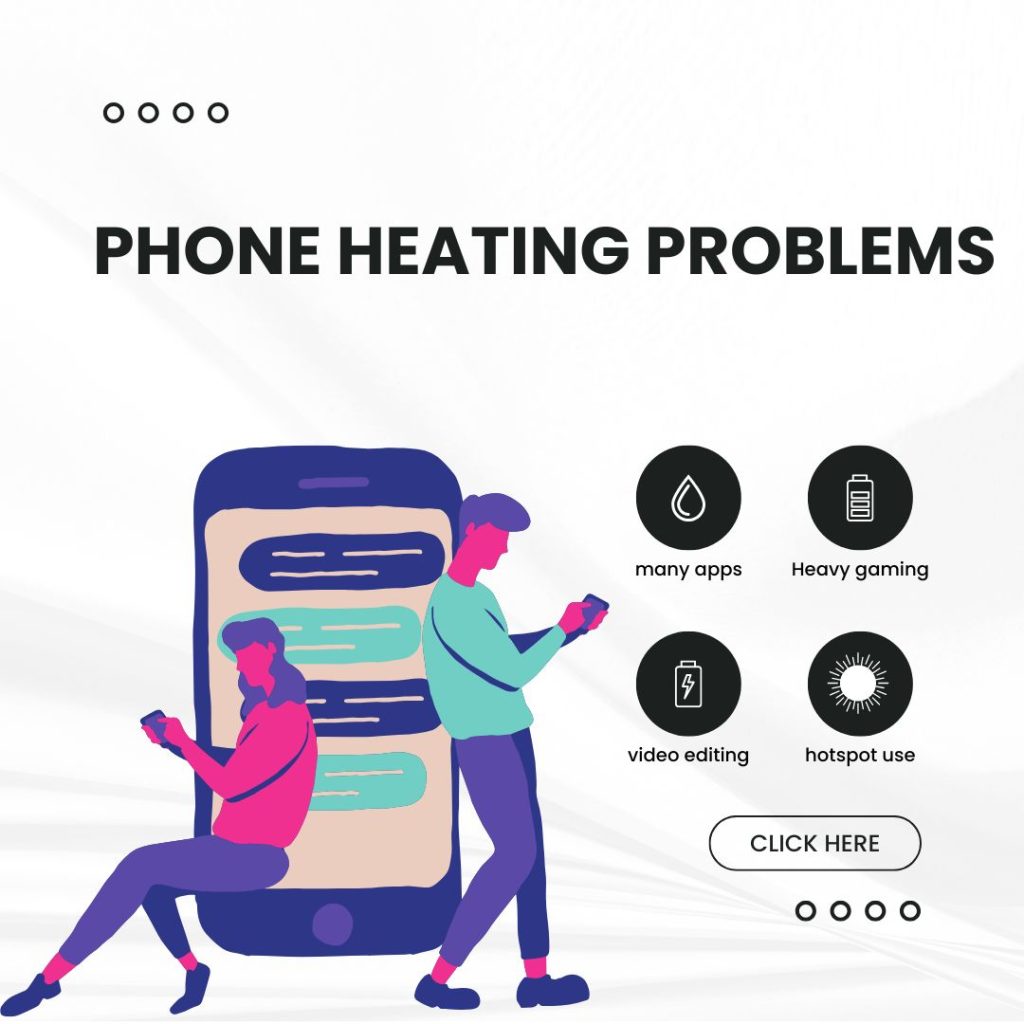
- Running too many apps at the same time
- Heavy gaming or video editing
- Long hours of mobile data or hotspot use
- Fake or low-quality chargers
- Thick phone covers blocking heat release
- Old battery or outdated software
Real-life example:
Using Google Maps, video calling, and mobile data together under direct sunlight will naturally heat your phone.
Step 2: What to Do Immediately When Your Phone Gets Hot
Quick Actions to Cool Down Your Phone
- Stop using the phone for a few minutes
- Turn off mobile data, GPS, and Bluetooth
- Move the phone to a cool, shaded place
- Remove the phone case
- Restart the device
⚠️ Never do this:
Do not place your phone in the fridge or near water—it can damage internal components.
Step 3: Fix Heating Issues During Charging
Why Phones Heat While Charging
- Fast charging produces extra heat
- Using duplicate or cheap chargers
- Using the phone while charging
Smart Charging Tips
- Always use the original charger
- Avoid gaming or video calls while charging
- Do not charge overnight regularly
- Remove the phone case while charging
Step 4: Optimise Apps and Software
Background Apps Are Silent Heat Creators
- Some apps consume excessive CPU power
- Multiple background apps increase temperature
What You Should Do
- Uninstall unused apps
- Check Settings → Battery → App Usage
- Keep your phone and apps updated
- Disable live wallpapers and unnecessary widgets
Step 5: Safe Gaming and Heavy Usage Tips
Gaming Without Overheating
- Avoid playing continuously for hours
- Reduce graphics settings to Medium
- Never play games while charging
Pro Tip:
Take a break every 15–20 minutes to keep your phone cool.
Step 6: Common Mistakes to Avoid of Mobile phone heating problems
Don’t Make These Errors
- Gaming while charging
- Using non-original chargers
- Keeping thick covers all the time
- Ignoring system updates
- Using the phone under direct sunlight
Step 7: When Should You Visit a Service Center?
Warning Signs You Should Not Ignore
- Phone heats up even during light use
- Battery swelling
- Phone suddenly shuts down
👉 If you notice these, visit an authorized service center immediately.
Extra Practical Tips to Prevent Phone Heating
- Enable auto-brightness
- Use dark mode
- Turn off unnecessary notifications
- Restart your phone once a week
How to Stop Phone Heating Problem?
Phone heating is a common issue, but it can be controlled with proper usage habits. First, avoid using your phone while charging, as this puts extra pressure on the battery and processor. Reduce screen brightness, turn off unused features like Bluetooth, GPS, and mobile data when not needed, and close background apps that consume excessive power. Heavy gaming, long video streaming sessions, and high-performance apps should be used in moderation, especially on older devices.
Always use the original or certified charger, as low-quality chargers can cause overheating. Keeping your phone updated with the latest software also helps, because updates often fix bugs and improve performance efficiency. Lastly, avoid exposing your phone to direct sunlight or hot environments, as external heat can quickly raise internal temperature.
How to Reduce Overheating?
To reduce overheating, focus on improving airflow and lowering system load. Remove thick or low-quality phone cases while charging or during heavy use, as they trap heat inside the device. Switch from mobile data to Wi-Fi whenever possible, since mobile networks consume more power and generate more heat. If your phone starts to feel hot, stop using it for a while and let it cool down naturally—never place it in a refrigerator, as sudden temperature changes can damage internal components. Clearing unnecessary apps, cache files, and malware also helps reduce CPU stress. Mobile phone heating problems
Keeping sufficient free storage space improves overall system efficiency and prevents overheating. By following these simple and practical steps consistently, you can significantly reduce phone overheating, extend battery life, and maintain smooth performance over the long term. Mobile phone heating problems
Conclusion: Take Action Now
Mobile phone heating problems should never be ignored. By following the steps above, you can protect your phone, improve performance, and extend battery life.

Ahsan Habib is a professional tech blogger and the founder of HowToTix – Your Trusted Technology How-To Blog. With years of hands-on experience and deep knowledge in modern technology, he specializes in mobile phones, laptops, smart TVs, and everyday digital devices.
Through HowToTix, Ahsan Habib shares easy-to-understand how-to guides, troubleshooting solutions, honest reviews, and practical tech tips to help users solve real-life technology problems. His goal is to simplify complex technology and make it accessible for beginners and tech enthusiasts alike.
Driven by a passion for learning and teaching, Ahsan focuses on providing accurate, up-to-date, and user-friendly content that follows Google SEO best practices and real user intent. Whether it’s fixing a phone issue, choosing the right laptop, or understanding smart TV features, HowToTix is built to deliver reliable tech solutions you can trust.